ScanWizard
A scan control application built into Scan2Net scanners: it opens in any browser, requires no installation, and is provided free of charge.
Developer: Image Access GmbH, Germany
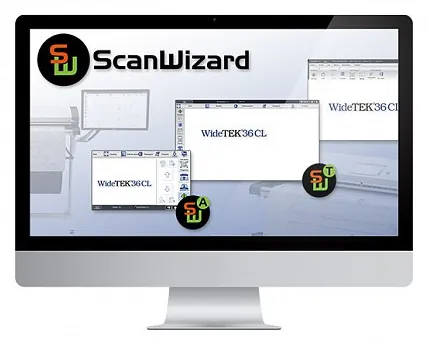
ScanWizard is the scanner’s control center: the application runs on the scanner’s built-in 64-bit Linux computer and opens in any modern web browser at the scanner’s IP address. It looks and works like a desktop application, identically on Windows, macOS, and Linux; it is free of charge and requires no installation.
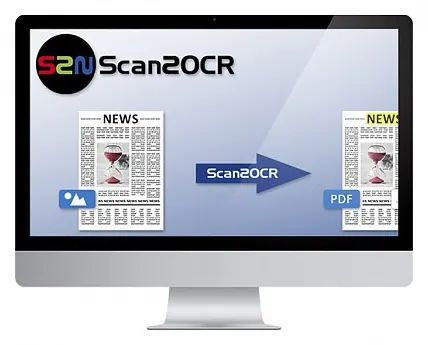
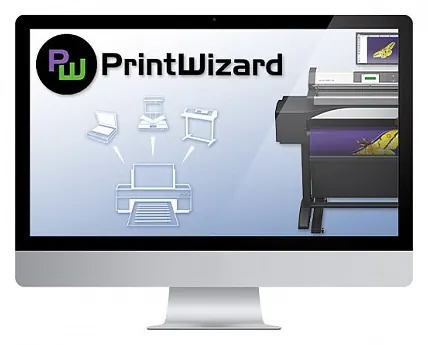
The operator selects the document size, file format, orientation, and color mode and starts scanning with a single touch. Templates with predefined settings, virtual rescan, image enhancement, watermarks, and a copy mode that sends output to specified destinations cover everyday tasks, and the interface, available in 23 languages, can be customized to suit individual workflows. ScanWizard’s functions can be extended with the PrintWizard and Scan2OCR options.
Features
- Runs in any modern browser on Windows, macOS, and Linux — no installation required
- Selection of document size, file format, orientation, and color mode; one-touch scanning
- Templates: switching formats, orientation, and color modes with a single click
- Virtual rescan: settings (e.g., conversion to grayscale) can be changed after scanning
- Single-page and multipage files in various formats; copy mode with output to USB, email, and mobile devices
- Removal of fingers, fanned page edges, punch holes, and black borders
- Watermarks; up to 2 masks saved as separate images
- Interface in 23 languages; layout, buttons, and functions can be customized to fit the workflow
Documentation
Manufacturer documents (PDF) open on the manufacturer’s website.
Sources: imageaccess.de/…/scanwizard · imageaccess.de/…/software · cdn.imageaccess.de/…/Product_Catalog_EN.pdf · cdn.imageaccess.de/…/Prospekt_Scan2Net_Technology.pdf