Software8
Image Access software and services for BookTEK and WideTEK scanners: the Scan2Net platform, the built-in ScanWizard, the Scan2OCR and PrintWizard options, the Scan2ICC color profile service, PC software, and the Scan2Pad mobile app.
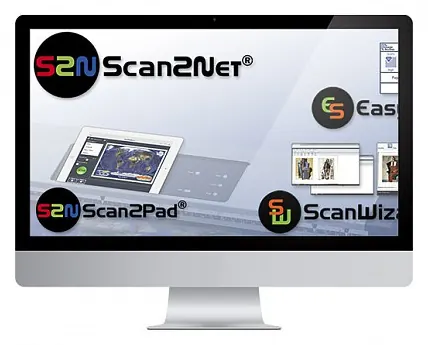 Scanner platformScan2Net®The network architecture underlying Image Access WideTEK and BookTEK scanners: a built-in 64-bit Linux computer, an Ethernet (TCP/IP) connection, and operation via a web browser — with no drivers or software installation.
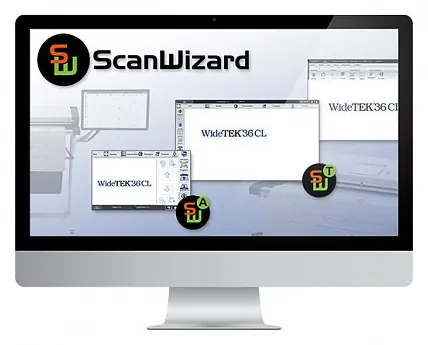 Embedded scanner softwareScanWizardA scan control application built into Scan2Net scanners: it opens in any browser, requires no installation, and is provided free of charge.
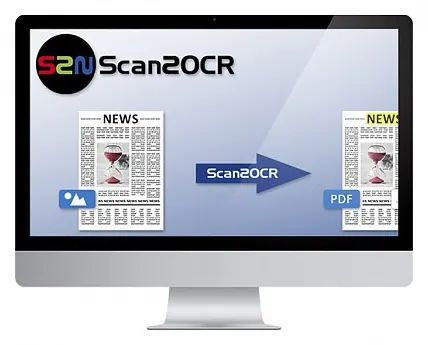 Scanner software optionScan2OCRA background text recognition option for Scan2Net scanners: books, case files, and other documents are saved directly as searchable multipage PDFs.
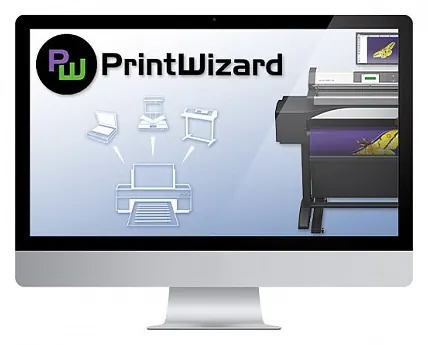 Scanner software optionPrintWizardA ScanWizard extension that turns a WideTEK wide-format scanner into a multifunction system (MFP) with a choice of printers: scanning, copying, and printing from a single interface.
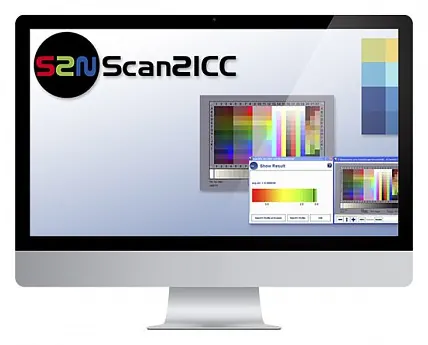 Online serviceScan2ICCAn Image Access online service for creating a custom ICC profile for each Scan2Net scanner — accurate color reproduction from scan to print. Available by subscription.
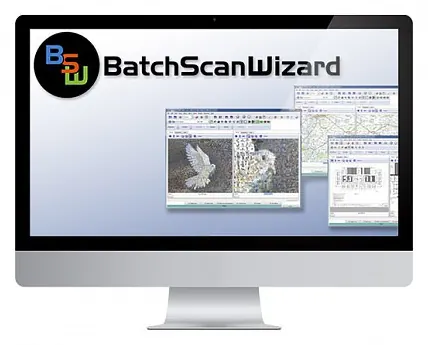 PC softwareBatch Scan WizardA Windows PC application for high-volume batch scanning with Scan2Net scanners: job templates, virtual rescan, image processing, metadata, and export.
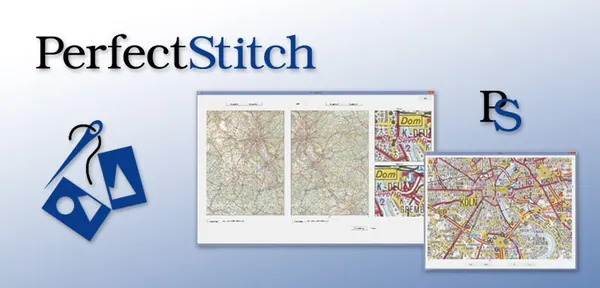 PC softwarePerfectStitchAn Image Access software option for image stitching: it combines any two images — for example, partial scans of a large document — into one.
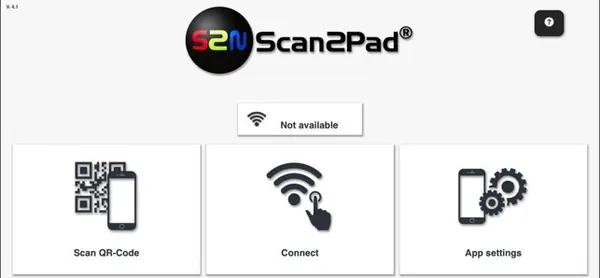 Mobile appScan2Pad®A mobile app for iOS and Android: starting scans, adjusting parameters, and editing and exporting scans from a tablet or smartphone over Wi-Fi.
Need advice on choosing a scanner?
Call us or message us on WhatsApp — we’ll answer your questions about models, configurations, and prices.